![Yotta Energy Logo_Horizontal_White.png]](https://support.yottaenergy.com/hs-fs/hubfs/Yotta+Energy+Logo_Horizontal_White.png?height=40&name=Yotta+Energy+Logo_Horizontal_White.png)
Step 1: Switch on the ECU
Step 2: Press the AP button on the ECU
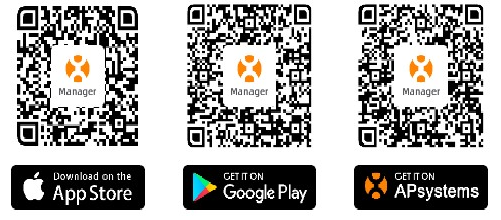
Step 3: Scan the QR code below to download EMA manager if not already done
Step 4: Open EMA manager, click “Local Access” at the bottom right
Step 5: Link to the ECU WIFI with the ECU ID, input 88888888 to log into the ECU;
Note: If the ECU WIFI cannot be found, please try again. Remember to keep the ECU close to the router. The WIFI name is the same as the first UID on the back of the ECU
Step 6: Go back to EMA manager APP, then Click “Workspace” and click “ECU Network”
Step 7: Choose the available router WIFI to link by wireless
When the connection is successful, both lights on the ECU will be green